
Understanding Raster vs. Vector Graphics
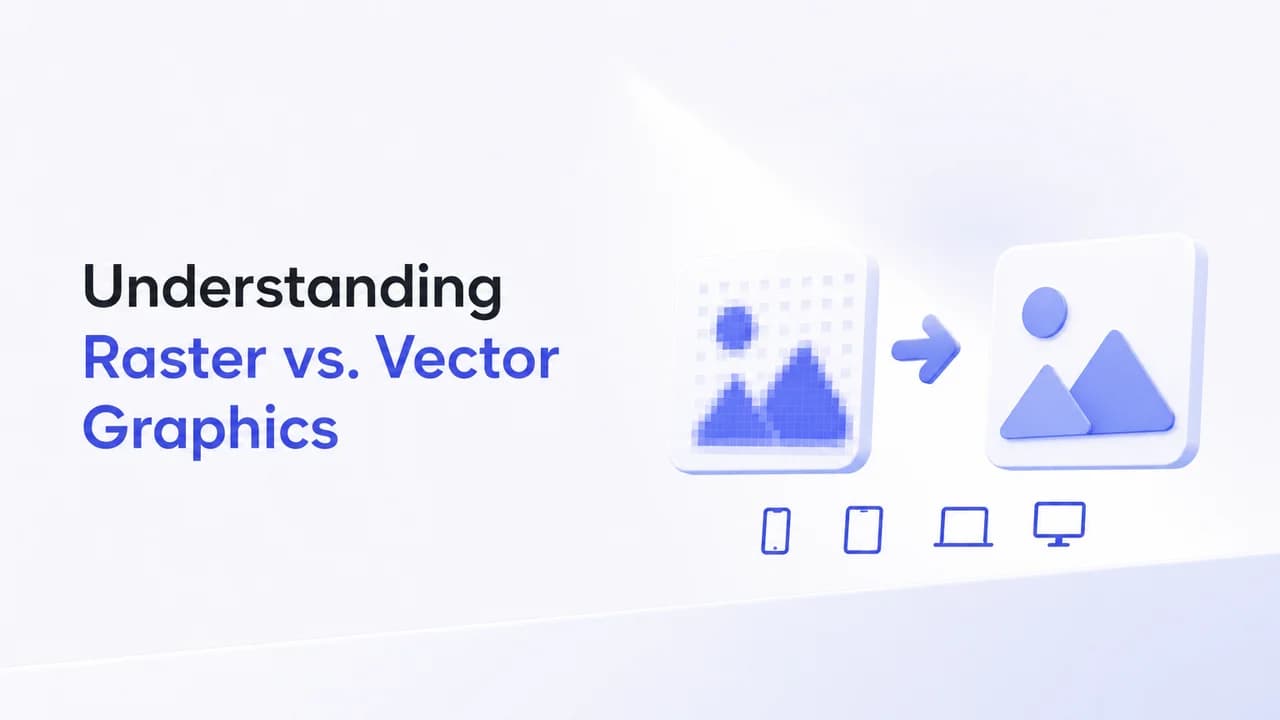
When venturing into the world of digital design, understanding the difference between raster and vector graphics can make or break your project. Each graphic type has its unique features, applications, and advantages, which can save time and ensure the best quality outcome for your design.
What Are Raster Graphics?
Raster graphics, also known as bitmap images, are composed of pixels - tiny squares of color that together create an image. The most common formats include JPEG, PNG, GIF, and BMP.
Characteristics of Raster Graphics
- Resolution-dependent: Raster images are created at a specific resolution (e.g., 300x300 pixels). When stretched, they can lose clarity and appear pixelated.
- High detail: They accurately depict complex scenes and gradients, making them perfect for photographs.
Typical Use Cases
- Digital Photography: Cameras shoot photos in raster formats like JPG or RAW for rich detail.
- Web Graphics: Images meant for online display often use raster formats like PNG for transparency support.
What Are Vector Graphics?
Vector graphics are crafted using mathematical formulas to create shapes, lines, and colors. Common vector formats include SVG, AI, and EPS.
Characteristics of Vector Graphics
- Scalable: Vectors can be resized infinitely without losing quality, key for logos and icons.
- Editable Elements: Since vectors are composed of controllable paths, they are highly editable without affecting quality.
Typical Use Cases
- Brand Logos: Vectors are ideal due to their scalability and clarity in any size.
- Illustrations: Graphics professionals use vector formats for digital illustrations due to their precision.
Choosing the Right Format
Choosing between raster and vector depends largely on your project's needs. Consider these factors:
| Factor | Raster | Vector |
|---|---|---|
| Resolution | Fixed, can become pixelated | Infinite scalability |
| File Size | Larger for high-resolution images | Often smaller, more efficient |
| Detail | Fits detailed, color-complex images | Better for solid colors and shapes |
Tip: If you need a file format change, Pereto can help with fast and reliable conversions.
Why It Matters
Selecting the right type of graphic for your project affects not just the visual outcome but also efficiency and file management. For instance, choosing a vector graphic when creating a logo ensures it can be used across different media without losing quality.
With a clear understanding of raster and vector graphics, you can better tailor your design processes to optimize both aesthetics and functionality.